Can an iPad replace a laptop in 2026? For email, web browsing, video calls, writing, reading, and note-taking, yes, and it does the job comfortably. For software development, desktop-only programs, and heavy multi-window workflows, not quite. Engadget’s pros-and-cons review frames it as a 90/10 split: the iPad handles most laptop work well, while a short list of frustrating gaps covers the rest.
Whether those gaps matter depends on what you do all day. This guide covers what iPadOS can handle today, who can switch, where the limits show up, and what a realistic setup costs.
What Has Changed in iPadOS?
The old objection to using a tablet as a computer was the software. For years, iPadOS felt like a big-screen version of the iPhone’s system, with awkward multitasking and a limited Files app. That picture is out of date.
iPadOS 26 introduced a proper windowing system that lets you resize and move app windows freely, and the older full-screen mode is still there if you prefer it. Apps gained a Mac-style menu bar, the Files app became far more capable, and Apple’s Preview app arrived on the iPad. iPadOS 27, released in September 2026, builds on that foundation with performance improvements and new Apple Intelligence features.
Hardware stopped being the weak point a while ago. Current M-series iPads are close to MacBooks in raw performance, so the processor is rarely what holds you back. The real bottleneck is usually the operating system itself. Some Apple-focused reviewers also argue that window management is fiddlier than the old Split View approach, especially if you lean on touch more than a keyboard, so try the setup in a store if you can. In short, can an iPad replace a laptop for you? That depends on your apps more than your hardware.
Can an iPad Replace a Laptop for Everyday Office Work?
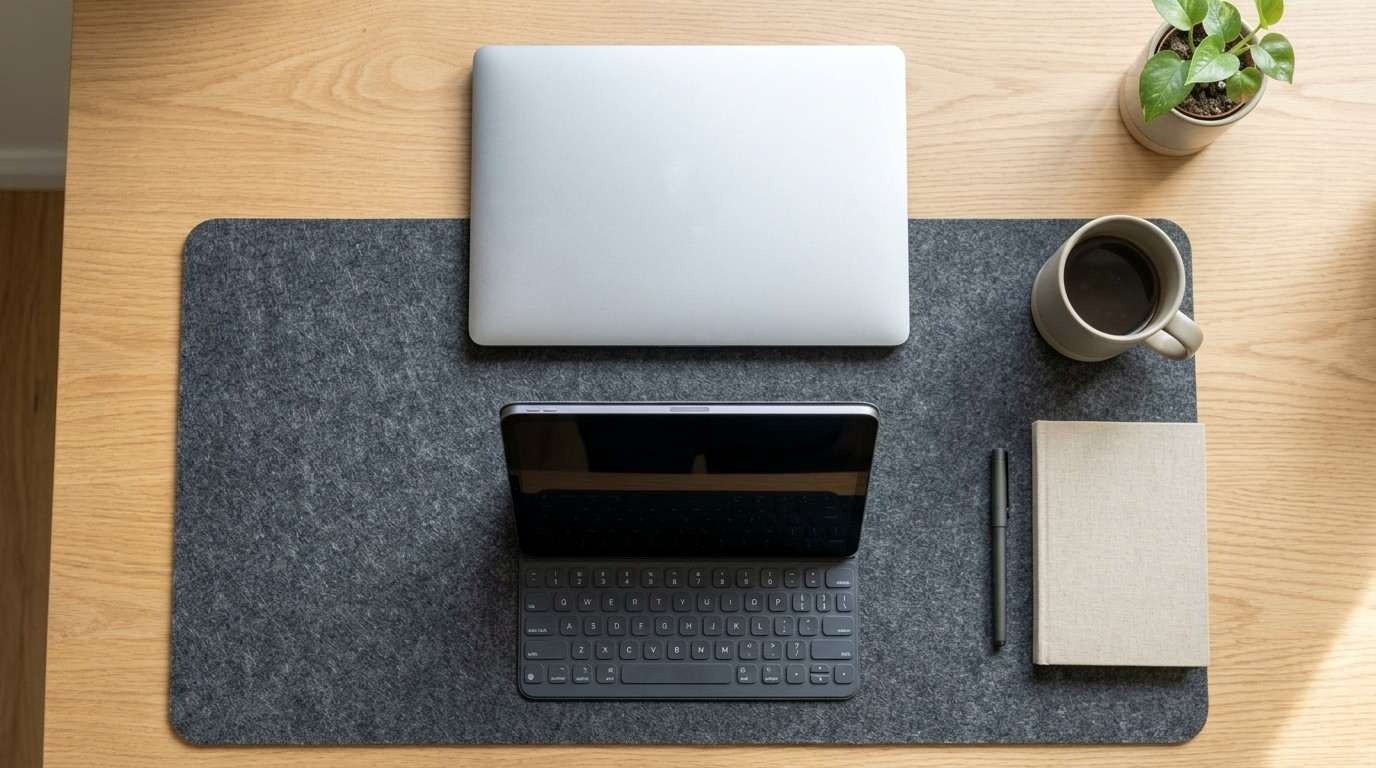
For most office-style tasks, yes. A normal day of email, calendar management, Google Docs or Microsoft 365, Slack, Zoom, and a dozen browser tabs runs well on any recent iPad. Add a keyboard case with a trackpad, and the experience gets close to a laptop.
Learn the keyboard shortcuts, and keep your files in iCloud, Google Drive, or OneDrive so they follow you between devices.
If your job lives in a browser and a handful of mainstream apps, you probably won’t miss a laptop. If it depends on a specialised desktop program, confirm that an iPad version exists and that it supports the features you actually use. Mobile editions of popular apps are sometimes trimmed-down versions of the desktop originals.
For a hands-on walkthrough of keyboards, trackpads, and display setups, see our guide on how to convert an iPad into a laptop.
Can an iPad Replace a Laptop for Students?
Students are probably the group that benefits most. An iPad is light enough to carry all day, it handles lecture recordings, e-textbooks, and research easily, and the Apple Pencil makes handwritten notes, PDF annotation, and diagrams much faster than typing them.
The caveats are narrow but real. Some courses require specific desktop software, such as statistics packages, CAD programs, or coding environments, and those won’t run natively on iPadOS. Some learning platforms and exam tools may also expect a Windows or macOS computer. Check your school’s technology requirements before you buy.
If you will attend lectures remotely, our online classes on laptop setup guide covers camera, audio, and connection basics, and most of it applies to an iPad too.
Can an iPad Replace a Laptop for Creative Work?
Drawing, sketching, photo editing, and illustration feel natural on an iPad. The Apple Pencil gives you a direct connection to the canvas that a laptop trackpad can’t match, and apps such as Procreate, Lightroom, and Photoshop make serious creative work possible without a traditional computer. They aren’t always on par with their desktop versions, though.
Video editors, audio engineers, and 3D artists should look more carefully. Professional workflows often depend on plug-ins, external drives, and very large project files, which are easier to manage on a desktop operating system.
Can an iPad Replace a Laptop for Developers?
Mostly no. There is still no Xcode for iPad, no local terminal, and few of the development tools you would find on a Mac or PC. Remote desktops and cloud development environments fill some gaps, but at that point you are borrowing another computer rather than replacing one.
Where an iPad Still Falls Short
Can an iPad replace a laptop without any compromise? No. Its limits show up in small details rather than headline features.
A controlled platform. iPadOS is closer to the iPhone than to macOS. You install apps through the App Store (alternative app stores are limited to certain regions, such as the EU), and you can’t customise the system the way you can on a Mac or a Windows PC. That simplicity helps beginners, but power users lose control.
Complex multitasking. Researching while writing, copying material between several apps, or managing a large folder structure is still smoother on a desktop operating system. Windowing helped a lot, but iPadOS is not a desktop OS.
Uneven third-party apps. Some iPad apps are fully mature. Others feel like cut-down editions of the desktop software you know, so check each app you rely on.
Battery Life, Cost, and Portability
Battery life. iPads are efficient, but they don’t automatically beat laptops. In Laptop Mag’s 2025 battery testing, the 11-inch iPad Air with an M3 chip lasted 9 hours and 12 minutes, the iPad Pro with an M4 chip reached 14 hours and 50 minutes, and the 13-inch MacBook Air with an M4 chip hit 15 hours and 30 minutes. Newer chips may shift those numbers, so treat them as a comparison point. For a sense of what is normal on laptops, read our guide on how long a laptop battery should last.
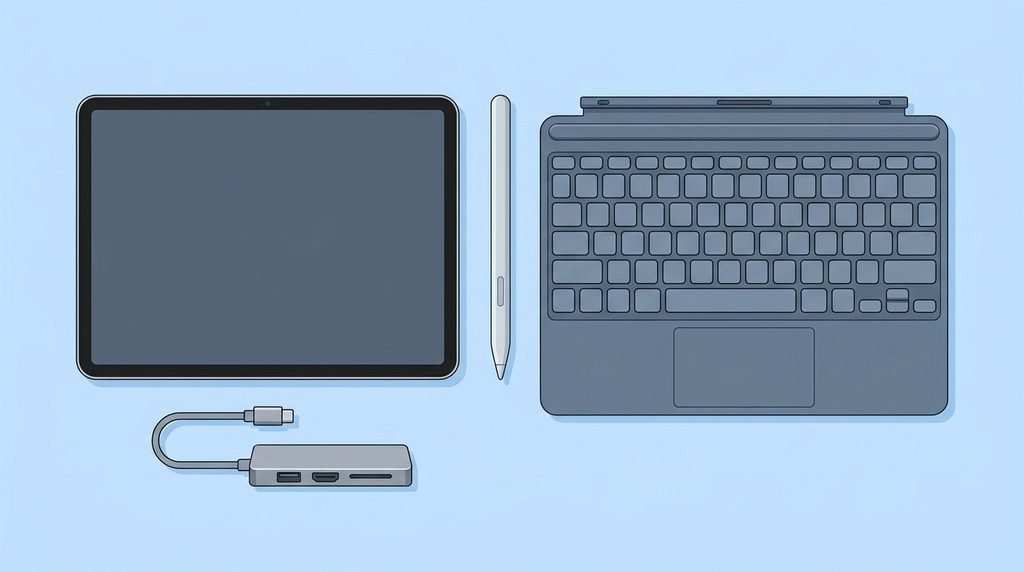
Cost. Can an iPad replace a laptop and still save money? Sometimes. Apple’s current lineup runs from the A16 iPad, which starts at $349, to the M4 iPad Air at $599 for the 11-inch model and $799 for the 13-inch model, and then up to the M5 iPad Pro. The tablet is only part of the bill. A laptop-style setup needs a keyboard case at minimum, and an Apple Pencil adds more. At the high end, an iPad Pro with a Magic Keyboard and Pencil can cost as much as a MacBook Air or more, so price the whole setup instead of the tablet alone.
Portability. Can an iPad replace a laptop while you travel? Often, yes. On its own, it is hard to beat for portability, but a keyboard case can make it heavier and more awkward than a thin laptop.
Which iPad Is Best for Replacing a Laptop?
If your answer to “can an iPad replace a laptop” is yes for your own work, these are the three paths.
- iPad (A16): The budget route. It suits lighter use such as browsing, streaming, and schoolwork, but it sits at the entry level and offers older Apple Pencil support.
- iPad Air (M4): The balanced choice for most people. It brings strong performance at a price well below the Pro line.
- iPad Pro (M5): The top display and performance, and the one to consider if you want maximum power, optional cellular connectivity, and the budget is not the main concern.
Quick Checklist: Can an iPad Replace a Laptop for You?
Run through these five questions before you sell your laptop:
- Do your must-have apps exist on iPadOS with the features you actually use?
- Is your work mostly in a browser, documents, email, and video calls?
- Can you live without a local terminal, virtual machines, or desktop-only software?
- Would the Pencil, touch screen, or cellular option add real value to your day?
- Do you have a Mac or PC available for the occasional task an iPad can’t handle?
Can an iPad replace a laptop in your case? If you answered yes to the first three, probably. If you answered no to more than one of the five, keep a laptop in the picture. For many people, the best arrangement is an iPad as the everyday portable computer and a Mac or PC at home for the harder jobs.
FAQs
Can an iPad replace a laptop for college?
For most majors, yes. Reading, writing, research, note-taking, and video lectures all work well. Check whether your program requires desktop-only software, such as engineering, statistics, or programming tools, before you decide.
Can an iPad replace a laptop as capable as a MacBook?
For general use, an iPad Pro or iPad Air with a keyboard case can stand in for a MacBook. It still runs iPadOS rather than macOS, so you can’t install Mac software, and some desktop workflows stay more convenient on a MacBook.
Can an iPad run Windows or Mac programs?
Not natively. You can use remote desktop apps or cloud PC services to reach a Windows or Mac computer, but that depends on a fast, stable internet connection and on having another computer to connect to.
Do I need a keyboard to use an iPad like a laptop?
Yes, for any serious typing. A keyboard case with a trackpad is the most laptop-like option, though any Bluetooth keyboard and mouse will also work.
Can an iPad replace a laptop for remote work?
Yes, for most remote roles built around email, chat, documents, and video meetings. Confirm that your company’s VPN, security tools, and key apps support iPadOS first.
Is an iPad cheaper than a laptop?
Not always. A basic iPad costs less than most laptops, but a keyboard case and Apple Pencil raise the total. A well-equipped iPad Pro can match or exceed the price of a MacBook Air.
Conclusion
So, can an iPad replace a laptop? It can if your work centres on a browser, documents, communication, reading, and creative tools that have good iPad versions. It struggles when you need developer tools, desktop-only programs, or complicated multitasking. Before buying, list the apps you use every week, check that each one works properly on iPadOS, and price the full setup. If everything fits, the iPad can be your main computer. If it doesn’t, pairing it with a laptop is a perfectly reasonable answer.