
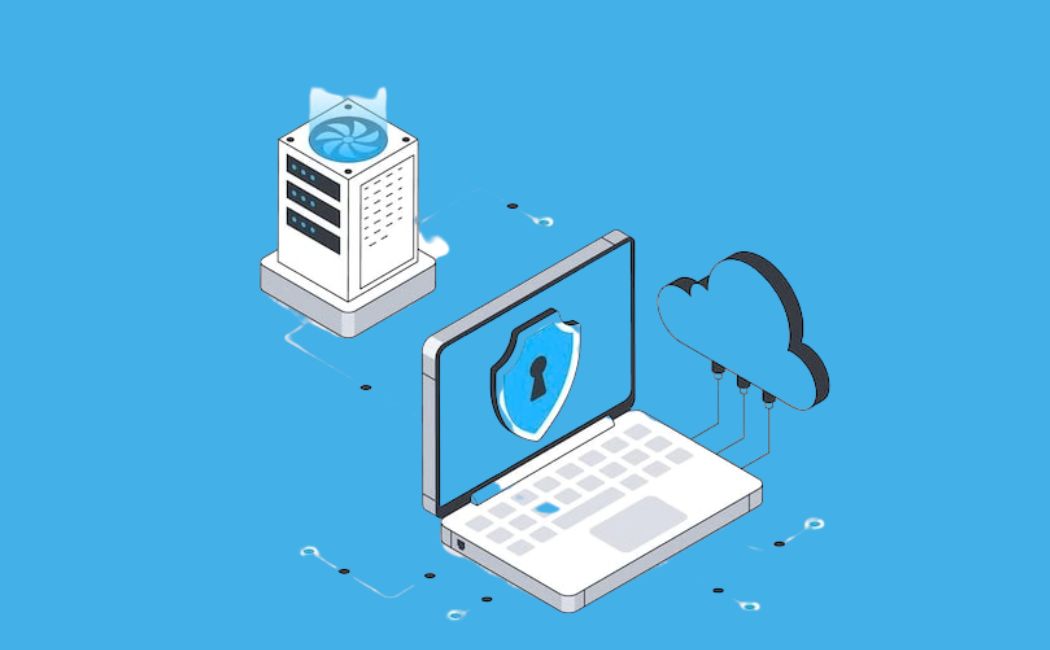
In today’s fast-paced digital world, businesses need flexible, secure, and scalable IT infrastructure. This is where a private cloud comes in. But what exactly is a private cloud, why is it so important, and how can your organization benefit from it? In this comprehensive guide, we’ll explore everything from the basics of private cloud computing to its advantages, types, use cases, architecture, and best practices.
What is a Private Cloud?
A private cloud is a cloud computing environment where all hardware, software, and network resources are dedicated to a single organization. Unlike public cloud environments, where resources are shared among multiple users, a private cloud offers exclusive control and security.
Think of it like owning your own house versus renting an apartment in a large building. In your own house, you decide the design, security, and who enters. Similarly, in a private cloud, your organization has full control over the IT environment.
Private clouds can be hosted on-premises, within your organization’s data center, or managed by third-party providers, giving you the flexibility to choose the setup that works best for your business.
Fun fact: Enterprise spending on private cloud at the $10 million per year level is expected to grow from 43% of organizations in 2024 to 53.6% in 2025, highlighting its strategic value over public cloud solutions.
Characteristics of a Private Cloud
A private cloud is not just about dedicated resources; it comes with unique features:
- Exclusivity: Resources are dedicated to a single organization, eliminating the “noisy neighbor” problem.
- Enhanced Security: Organizations have full control over security protocols and compliance requirements.
- Customization: Tailor hardware, software, and network settings to meet business needs.
- Control: Full oversight of your data, applications, and infrastructure.
- Scalability: While private clouds may have hardware limitations, modern private cloud solutions offer flexible scaling options.
For industries such as healthcare, finance, and government, these characteristics are crucial due to regulatory compliance and the handling of sensitive data.
Types of Private Clouds
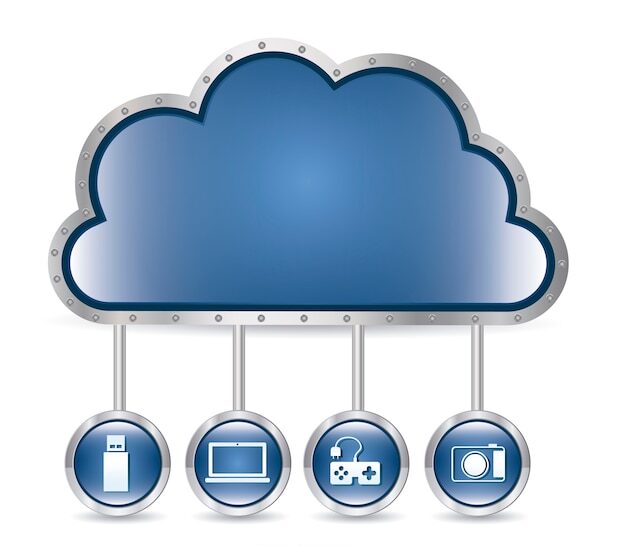
There are several types of private cloud environments, each offering different levels of control, management, and hosting options:
1. On-Premises Private Cloud
Your organization owns and manages the cloud infrastructure within its data center.
- Pros: Maximum control, high security, and customization.
- Cons: High upfront costs and need for skilled IT personnel.
- Ideal for organizations with strict compliance and highly sensitive data.
2. Managed Private Cloud
A third-party provider hosts and manages the infrastructure, but all resources remain dedicated to your organization.
- Pros: Reduced operational burden, access to expert management, predictable performance.
- Cons: Higher recurring costs than shared environments.
- Perfect for organizations that want the benefits of a private cloud without managing it themselves.
3. Virtual Private Cloud (VPC)
A VPC is a logically isolated environment within a public cloud, giving your organization a private space with dedicated resources.
- Pros: Scalability, cost-effective, easy integration with existing cloud services.
- Cons: Less control over physical infrastructure.
- Commonly used for AI, analytics, or mission-critical workloads that need security and high performance.
Advantages of a Private Cloud
Choosing a private cloud offers several compelling benefits:
1. Enhanced Security
Because resources are dedicated to a single organization, private clouds provide stronger network and data security. Sensitive data is isolated from other organizations, reducing risks of breaches.
2. Customization and Flexibility
Unlike public clouds, a private cloud allows you to customize hardware, software, and networking to meet specific business needs.
3. Predictable Performance
Dedicated resources mean applications run smoothly without being affected by other tenants, unlike multi-tenant public cloud environments.
4. Regulatory Compliance
Industries with strict compliance requirements can implement private clouds to meet regulations like HIPAA, GDPR, or PCI DSS.
5. Modernization of Legacy Applications
Organizations can use private clouds to migrate and modernize older applications, providing scalability and enhanced performance without overhauling their entire infrastructure.
6. Cost Efficiency in the Long Run
While initial setup costs are higher, private clouds can reduce long-term operational expenses for stable, high-usage workloads.
Pro Tip: Organizations with AI or machine learning workloads benefit from private clouds due to dedicated computing resources and faster data access.
Use Cases for Private Clouds
Private clouds are perfect for businesses that prioritize security, control, and performance. Here are some common use cases:
- Healthcare & Finance: Secure sensitive medical and financial data while ensuring regulatory compliance.
- AI & Analytics Workloads: Use high-speed storage and GPU resources for machine learning models and analytics pipelines.
- Large Enterprises: Maintain predictable costs for high-volume workloads.
- Application Development: Test and develop applications in a secure and controlled environment.
- Data Governance: Maintain ownership and control of sensitive data for compliance and auditing.
Architecture of a Private Cloud
A private cloud consists of multiple layers working together:
1. Compute Layer
The physical servers provide processing power. Virtualization allows multiple virtual machines (VMs) to run on a single server.
2. Storage Layer
Data is stored securely using technologies like SAN, NAS, or software-defined storage, often with replication for reliability.
3. Networking Layer
Networking connects compute and storage layers, often leveraging software-defined networking (SDN) for flexibility and automation.
4. Virtualization Layer
Hypervisors such as VMware ESXi, Microsoft Hyper-V, or KVM abstract hardware into virtual resources.
5. Management & Orchestration Layer
Tools like Cloud Management Platforms (CMPs) automate provisioning, monitoring, and resource allocation.
6. Security Layer
Security spans all layers: network security, encryption, identity and access management (IAM), and endpoint protection.
7. Automation & APIs
Automation reduces manual errors, while APIs allow programmatic control over the cloud.
8. Service Catalog
Defines available services and pre-configured resources to simplify consumption for users.
With this layered architecture, organizations can maintain high security, flexibility, and control, all while reducing IT operational overhead.
Private Cloud vs Hybrid Cloud
Organizations often debate between private cloud and hybrid cloud:
| Feature | Private Cloud | Hybrid Cloud |
| Ownership | Dedicated to a single organization | Combines private + public cloud resources |
| Control | High | Moderate to High |
| Security | Highest (dedicated infrastructure) | High (needs careful integration) |
| Cost | High upfront, predictable operations | Lower upfront, variable operational costs |
| Scalability | Limited by internal infrastructure | Highly scalable using public cloud |
| Flexibility | Fixed resources | Dynamic resource allocation |
| Management | Requires a skilled IT team | More complex, requires orchestration skills |
| Use Cases | Sensitive data, regulatory compliance | Development/testing, disaster recovery, burst capacity |
Hybrid clouds combine the strengths of private and public clouds, providing flexibility and cost optimization. However, private clouds remain the top choice for organizations with strict security and compliance needs.
Best Practices for Managing a Private Cloud
Successfully managing a private cloud requires careful planning and execution:
1. Infrastructure Management
- Regularly maintain servers, storage, and networking equipment.
- Optimize virtualization platforms like VMware or Hyper-V.
- Ensure redundancy and disaster recovery plans are in place.
2. Operations and Automation
- Implement monitoring and alerting tools.
- Automate resource provisioning and patch management.
- Test disaster recovery processes frequently.
3. Security and Compliance
- Use role-based access control (RBAC) and multi-factor authentication.
- Encrypt data in transit and at rest.
- Maintain audit trails for compliance reporting.
4. Cost Management
- Optimize resources to avoid over-provisioning.
- Track software licenses and energy usage.
- Forecast future infrastructure needs for budget planning.
5. Cloud Management Platform (CMP)
- Enable self-service portals for users.
- Automate orchestration of workflows.
- Monitor cloud usage and costs with reporting tools.
6. Talent and Skills
Ensure your IT team has expertise in:
- Virtualization technologies
- Networking & storage
- Automation & scripting
- Cloud security and compliance
- Troubleshooting & problem-solving
Step-by-Step Guide to Adopting a Private Cloud
- Assess Requirements: Determine workloads, compliance needs, and performance expectations.
- Choose the Type: Decide between on-premises, managed, or VPC.
- Plan Architecture: Define compute, storage, networking, virtualization, and security layers.
- Select Technology: Choose hypervisors, storage solutions, and orchestration tools.
- Implement Security: Set access controls, encryption, and monitoring systems.
- Automate & Manage: Use CMPs, APIs, and automation tools to streamline operations.
- Train IT Staff: Ensure team members have the right skills.
- Monitor & Optimize: Continuously review usage, performance, and costs.
Is a Private Cloud Right for You?
Ask yourself:
- Do you handle sensitive data?
- Do you need predictable performance?
- Do you require strict compliance?
- Do you run heavy AI workloads?
If yes, a private cloud solution may give you the confidence and control your organization needs.
FAQs
1. What is the difference between private cloud and public cloud?
A private cloud is dedicated to a single organization, while a public cloud shares resources among multiple organizations.
2. Who should use a private cloud?
Organizations with sensitive data, strict compliance requirements, or high-performance workloads benefit the most.
3. Can a private cloud scale like a public cloud?
Yes, but scalability depends on available hardware or managed cloud provider resources.
4. Is a private cloud more expensive than a public cloud?
Upfront costs are higher, but long-term operational expenses may be lower for stable workloads.
5. How secure is a private cloud?
Private clouds provide the highest security due to dedicated resources, robust access controls, and encryption.
Conclusion
A private cloud offers security, control, performance, and customization that public clouds can’t match. From regulated industries like healthcare and finance to organizations leveraging AI and analytics, private clouds provide the ideal environment for sensitive and mission-critical workloads. By understanding its architecture, types, advantages, and best practices, your business can confidently adopt private cloud computing and reap long-term benefits.
Investing in a private cloud today can ensure predictable performance, robust security, and operational efficiency for years to come.